
Hard Drive Data Recovery for Court Proceedings
By Juan Jesús Merino Carretero, chartered computer engineer no. 89 (CPIIEX) data recovery · hard drive · forensics
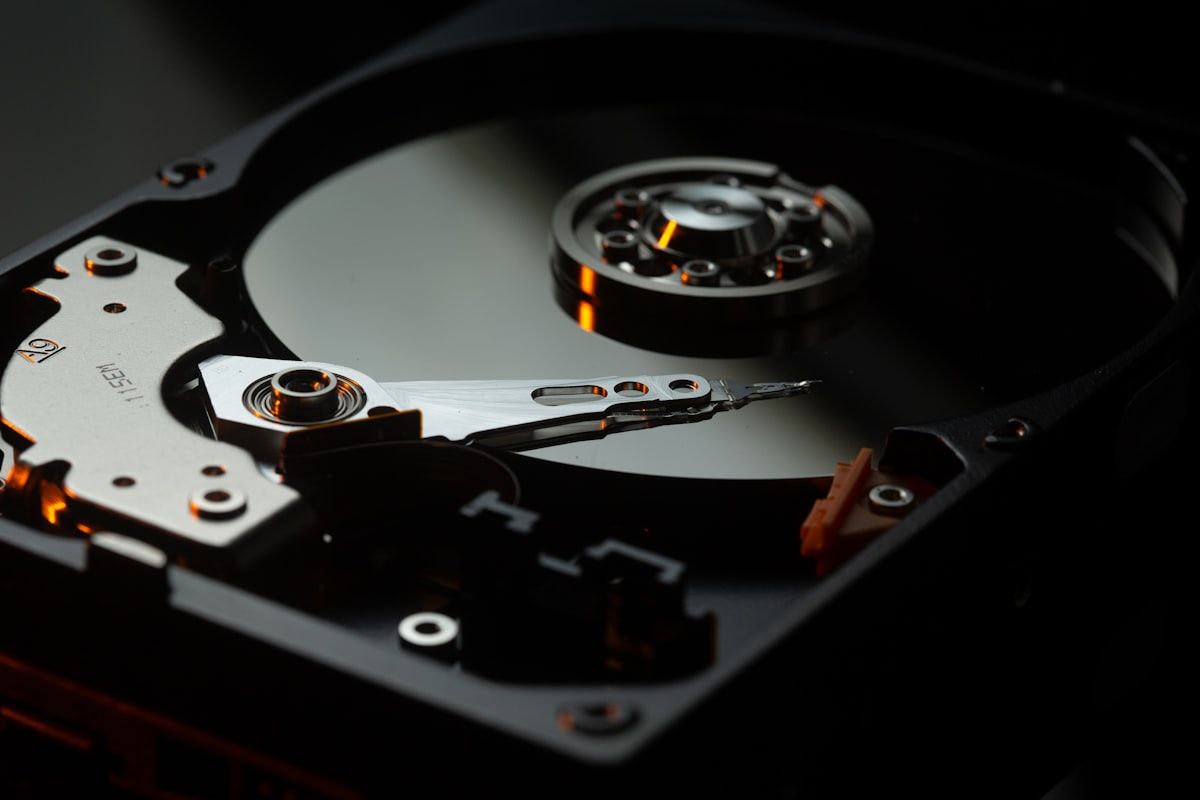
When a hard drive or SSD contains key information for a court proceeding —deleted files, formatted partitions, encrypted or apparently lost data— recovery cannot be done with just any commercial tool. It needs a forensic process that preserves the integrity of the evidence and produces a result that is defensible in court. This guide explains the techniques a computer forensics expert applies, their limits and what separates forensic recovery from commercial recovery.
Why forensic data recovery is different
A commercial data recovery service has a single goal: recovering files. If it succeeds, it hands them to the client and its work is done. Forensic recovery adds three critical requirements:
- Preserve the integrity of the original medium (chain of custody + bit-for-bit cloning).
- Document the procedure so that it can be reproduced by a third party.
- Establish forensic relationships: when the file was deleted, who deleted it, whether there was an attempt to conceal it.
Without these three requirements, recovered data may be worth little at trial because the opposing party can argue that it was planted or altered during the recovery process.
How deleted information is recovered
Logical deletion vs. physical deletion
When a user “deletes” a file:
- Moving to the Recycle Bin: the file is only moved. Trivial recovery.
- Emptying the Recycle Bin or
Shift+Del: the system marks the space as “available” but the bytes remain there until another file overwrites them. Recoverable as long as it has not been overwritten. - Quick format: erases the allocation table but not the data. Recoverable to a large extent.
- Slow format (zero overwrite) or Secure Erase: overwrites all the space. Impossible to recover with standard methods.
- Disk encryption with BitLocker / FileVault: without the key, there is no recovery.
Forensic techniques
1. Analysis of the allocation table (FAT, NTFS, APFS, EXT)
The expert examines the table and locates entries for files marked as deleted whose clusters have not been reallocated. Complete files are recovered as long as there has been no overwriting.
2. File carving
When the table is damaged or has been partially overwritten, the expert looks for file signatures (known binary headers and footers: JFIF for JPEG, %PDF for PDF, PK for ZIP/Office, etc.) in the unallocated space and reconstructs the files byte by byte. Tools: PhotoRec, Scalpel, Foremost, Autopsy.
3. Recovery of logs and system artifacts
Even if the main file is unrecoverable, the operating system leaves traces of its existence:
- MFT (Master File Table) in NTFS: records of deleted files with metadata.
- $LogFile in NTFS: log of recent transactions.
- Shadow copies and restore points.
- Prefetch: traces of programs executed.
- Eventlog: system events.
- Thumbnails: thumbnail images of deleted photos.
4. Physical recovery (in a clean room)
If the drive has mechanical damage (heads, motor, electronics), the drive must be opened in a clean room, parts replaced and the platters read in a forensic reader. It is the most expensive option (€1,500-5,000) but often feasible.
Particularities of SSDs
SSDs are harder to recover from than magnetic drives for two technical reasons:
- TRIM: the operating system tells the SSD which blocks are “free”, and the SSD physically erases them to maintain performance. Once TRIM has run, the data is unrecoverable.
- Wear leveling: the SSD distributes writes in a non-deterministic way, which prevents reconstructing the chronological order of files.
Despite this, on SSDs with TRIM disabled, older controllers or partially overwritten data, forensic recovery can still yield valuable results.
Typical forensic recovery cases
| Case | What is recovered | Probability |
|---|---|---|
| Dismissed employee deleted files before leaving | Documents, emails, plans | High |
| Company formatted a device after an incident | Documents, activity logs | High-Medium |
| Drive suspected of accounting manipulation | Earlier versions of Excel/Access | Medium |
| Phone with deleted blackmail conversations | WhatsApp, Telegram, SMS | Medium |
| Surveillance camera that recorded over footage | Fragments of earlier video | Medium-Low |
| Drive encrypted with BitLocker without the key | Nothing | None |
| SSD with TRIM active after deletion | Nothing | None |
Mistakes that kill recovery
- Continuing to use the device after the deletion. Every new write can overwrite the data to be recovered. Power off immediately and hand it to the expert.
- Reinstalling the operating system. It overwrites most of the drive with system files. Recovery is drastically reduced.
- Using commercial tools without a chain of custody. Even if the data is recovered, the process is not defensible in court because the original has been modified.
- Trusting “friendly technicians”. Forensic recovery requires tools and methodology that are not those of a standard repair shop.
- Waiting too long. The more the drive is used after the incident, the less is recovered.
How the result is documented in the expert report
An expert report on data recovery must include, in addition to the conclusions:
- Initial physical condition of the drive (photos, serial number, capacity, hashes).
- Cloning procedure (tool used, duration, resulting hashes).
- Recovery techniques applied (carving, MFT, etc.) with the exact configuration.
- List of recovered files with their metadata: original name, size, dates (creation, modification, access), original path when recoverable.
- Timeline analysis: when each file was created, when it was deleted (when there is data to deduce it).
- Hashes of the recovered files for procedural integrity.
- Annexes: screenshots of the tools, copy of the execution logs.
Frequently asked questions
How soon do we know whether recovery is possible?
After a preliminary analysis of 1-2 days, the expert can give a feasibility assessment and a fixed quote. If it is not feasible, only the preliminary analysis is charged.
Can data be recovered from a burned or flooded drive?
Possibly, but it requires physical recovery in a clean room. The probability and cost vary greatly depending on the damage.
How long does a full recovery take?
Between 3 days (simple case) and 4-6 weeks (complex physical recovery).
What if the recovered file is corrupt?
The expert tries to repair it (especially Office files, PDFs, images) or delivers the readable fragments, documenting that it is a partial recovery.
Does data recovery guarantee success at trial?
Recovery provides evidence, but procedural success also depends on the legal arguments and on how the report is defended in court.
Conclusion
Data recovery with evidentiary value is a demanding technical process that combines forensic tools, documented methodology and chain of custody. Without these three pillars, the recovered data may be of no use at trial. At Forenlab we carry out forensic recovery on magnetic drives, SSDs, phones and external storage media with a report defensible in court. Contact us and we will give you a feasibility analysis and a fixed quote.